
Before-and-After Job Photos That Win Service Work
A before-and-after pair is the most persuasive asset a service business has. It is also the easiest thing to fake accidentally, by shooting the before in bad light and the after in good light. A fair comparison is more convincing than a flattering one.
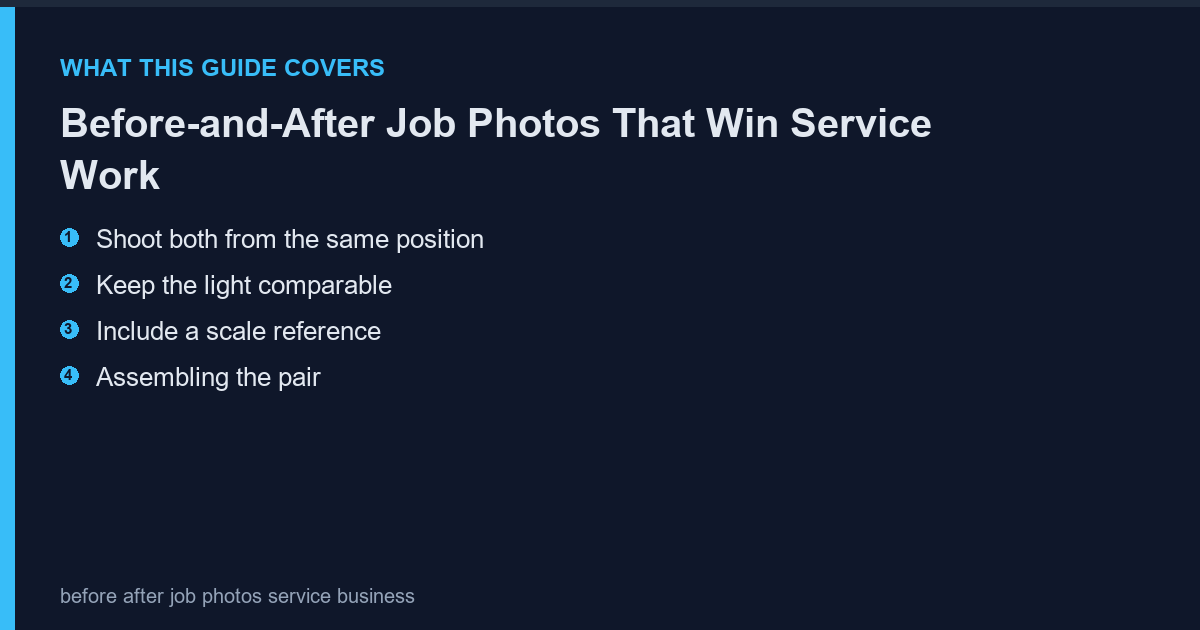
Shoot both from the same position
Mark the spot. If the before is shot from the doorway and the after from inside the room, the pair is not a comparison. Same position, same height, same lens.
- Mark the position with tape
- Same camera height
- Same focal length
Keep the light comparable
Shooting the before on a cloudy day and the after in sunshine makes the work look better than it was, and clients notice when they visit. Match the time of day where possible and note it if you cannot.
| Pair quality | What it signals |
|---|---|
| Same light, same angle | Honest, persuasive |
| Different light | Suspicious, even if true |
| Different angle | Not a comparison at all |
Include a scale reference
A cleared room looks bigger than it is. Put a person, a doorway or a piece of furniture in both frames so the viewer can judge scale rather than guess.
- One constant object in both frames
- Same object position
- Note anything that moved
Assembling the pair
Present them side by side at identical size with a thin divider and two labels. The photoscape-free.com makes the layout repeatable so every pair on the site looks like part of one portfolio rather than a collection of experiments.
- Identical dimensions
- One-pixel divider
- Labels: before, after, and the date
Where to use them
One pair on the service page, three or four in a gallery, and the rest on social. More than four on a single page dilutes attention and slows the page down.
Frequently Asked Questions
Should I photograph every job?
Every job you would want to show. Skip the ones where the client declined permission.
Do I need permission?
Yes. Get written consent to use the images, and avoid anything that identifies the client's property.
What if the before photo is missing?
Do not fabricate one. Use a different job for the pair.
Should I add text overlays?
Only the labels. Text over the photograph obscures the very detail the pair is meant to show.